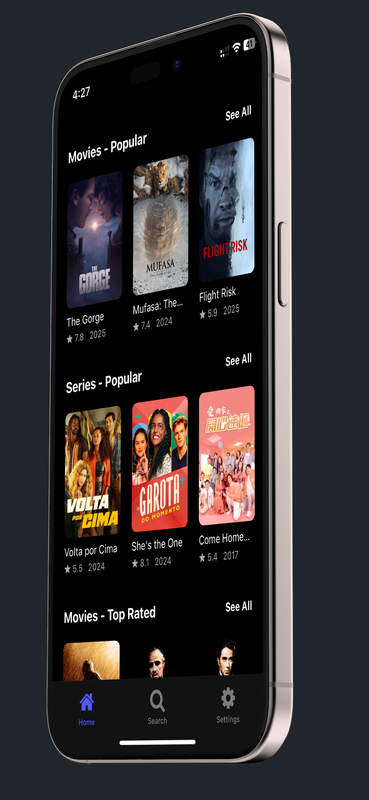
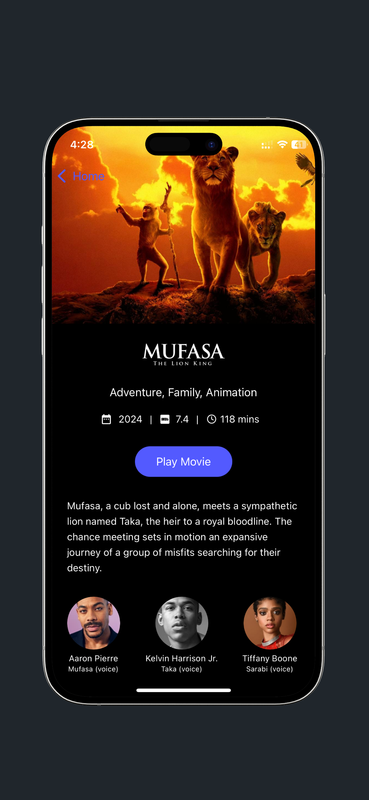
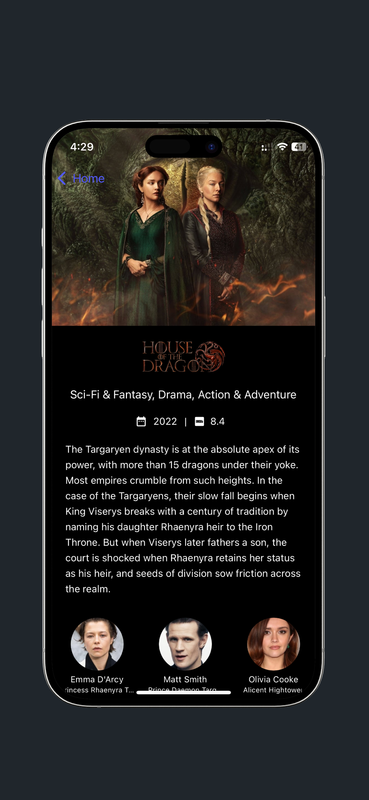
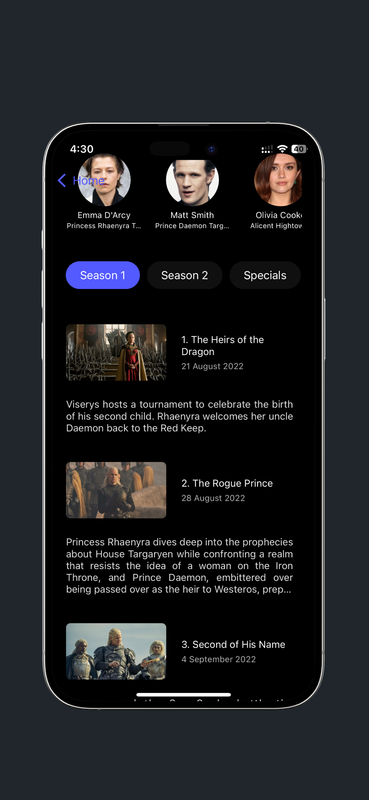
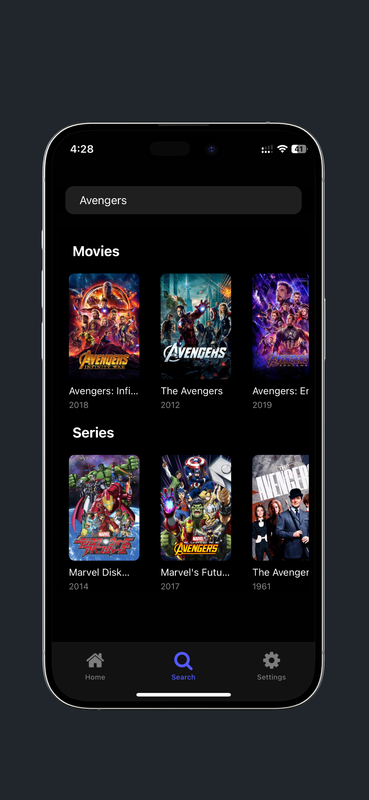
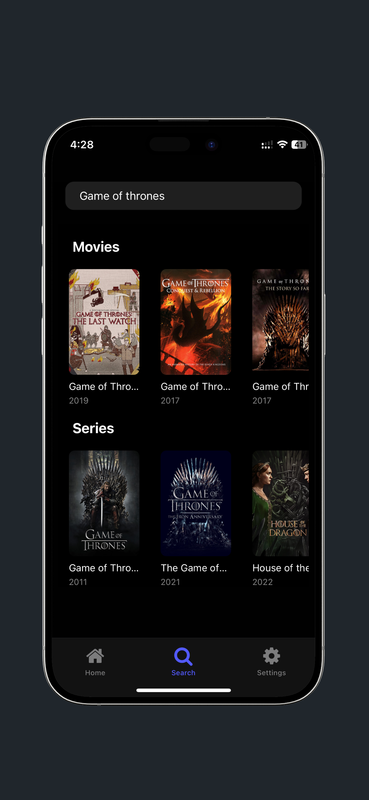
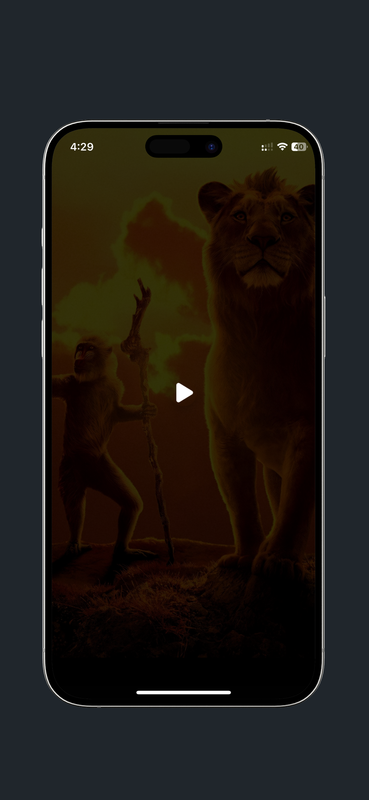
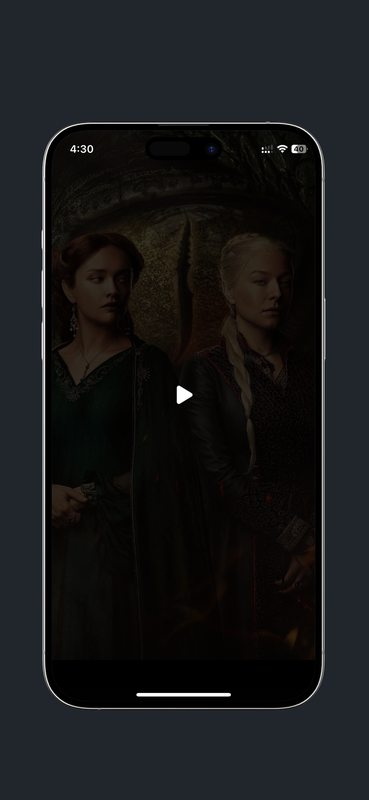
A simple and sleek frontend for VidSrc and similar services that provide embedded movies and TV shows. Easily search, browse, and watch content with a user-friendly interface.



This app is built using the Expo React Native framework.
- Node.js and npm installed
- Expo CLI installed (
npm install -g expo-cli) .envfile with the required TMDB API key
- Clone the repository:
git clone https://github.com/vjdev1212/embedin.git cd embedin - Create a
.envfile in the project root and set the TMDB API KeyEXPO_PUBLIC_TMDB_API_KEY=api_key_here
- Install dependencies:
npm install
- Start the Expo development server:
npx expo start
- Scan the QR code from the Expo CLI output using the Expo Go app on your mobile device.
To stop the running process, press Ctrl + C in the terminal.
The embed URL templates can be modified in the Settings > Embed Settings page. Update them as needed to customize the embed URLs.
Use the following URL templates to embed movie and TV show content from any provider:
-
Movies:
https://vidsrc.cc/v2/embed/movie/{IMDBID}?poster=true&autoPlay=false -
TV Shows:
https://vidsrc.cc/v2/embed/tv/{IMDBID}/{SEASON}/{EPISODE}?poster=true&autoPlay=false
Ensure that {IMDBID}, {SEASON}, and {EPISODE} are included in the TV show URL; otherwise, it will not work. The {SEASON} and {EPISODE} parameters are not required for the movie template.
This project is available as docker container. Use the below yaml script.
version: '3.0'

name: EmbedIn
services:
  embedin:
    container_name: embedin
    hostname: embedin
    image: vjdev1212/embedin:latest
    ports:
      - "4444:80"
    restart: unless-stopped
Licensed under the GNU General Public License v3.0 (GPL-3.0).