A terminal countdown timer with animated spinners.
🌙 Liftoff in 99
brew install topfunky/tap/countdowngo install github.com/topfunky/countdown@latestDownload pre-built binaries from the Releases page for:
- Linux (amd64, arm64)
- macOS (amd64, arm64)
- Windows (amd64, arm64)
git clone https://github.com/topfunky/countdown.git
cd countdown
make install-deps
makecountdown [flags]# Default countdown from 100 to 0
countdown
# Quick 10-second countdown
countdown -r 10..0
# Countdown with moon spinner
countdown --spinner moon
# Custom title and range
countdown --title "Launch in" -r 60..0
# Slow countdown (every five seconds)
countdown -r 30..0 -t 5
# Count up instead of down
countdown -r 0..100
# Decrement by 5 each step
countdown -r 100..0 -d 5
# Custom colors
countdown --spinner.foreground 201 --title.foreground 39
# With padding
countdown --padding "1 2"| Flag | Default | Description |
|---|---|---|
-h, --help |
Show help | |
-v, --version |
Print version | |
-s, --spinner |
dot |
Spinner animation type |
--title |
Liftoff in |
Text displayed before the number |
-r, --range |
100..0 |
Start and end numbers (e.g., 10..0 or 0..100) |
-t, --time-interval |
1 |
Seconds between each tick |
-d, --decrement |
1 |
Amount to change count each tick |
-f, --final-phase |
5 |
Threshold for final phase styling (number or percentage like 10%) |
| Flag | Default | Description |
|---|---|---|
--spinner.foreground |
212 |
Spinner color (ANSI 0-255 or hex) |
--spinner.background |
Spinner background color | |
--title.foreground |
Title text color | |
--title.background |
Title background color | |
--padding |
0 0 |
Vertical and horizontal padding |
| Type | Description |
|---|---|
dot |
Braille dot pattern (default) |
line |
Rotating line |/-\ |
minidot |
Small dots |
jump |
Bouncing dot |
pulse |
Pulsing dot |
points |
Expanding points |
globe |
Rotating globe 🌍 |
moon |
Moon phases 🌙 |
monkey |
See no evil monkey 🙈 |
meter |
Progress meter |
hamburger |
Hamburger menu animation |
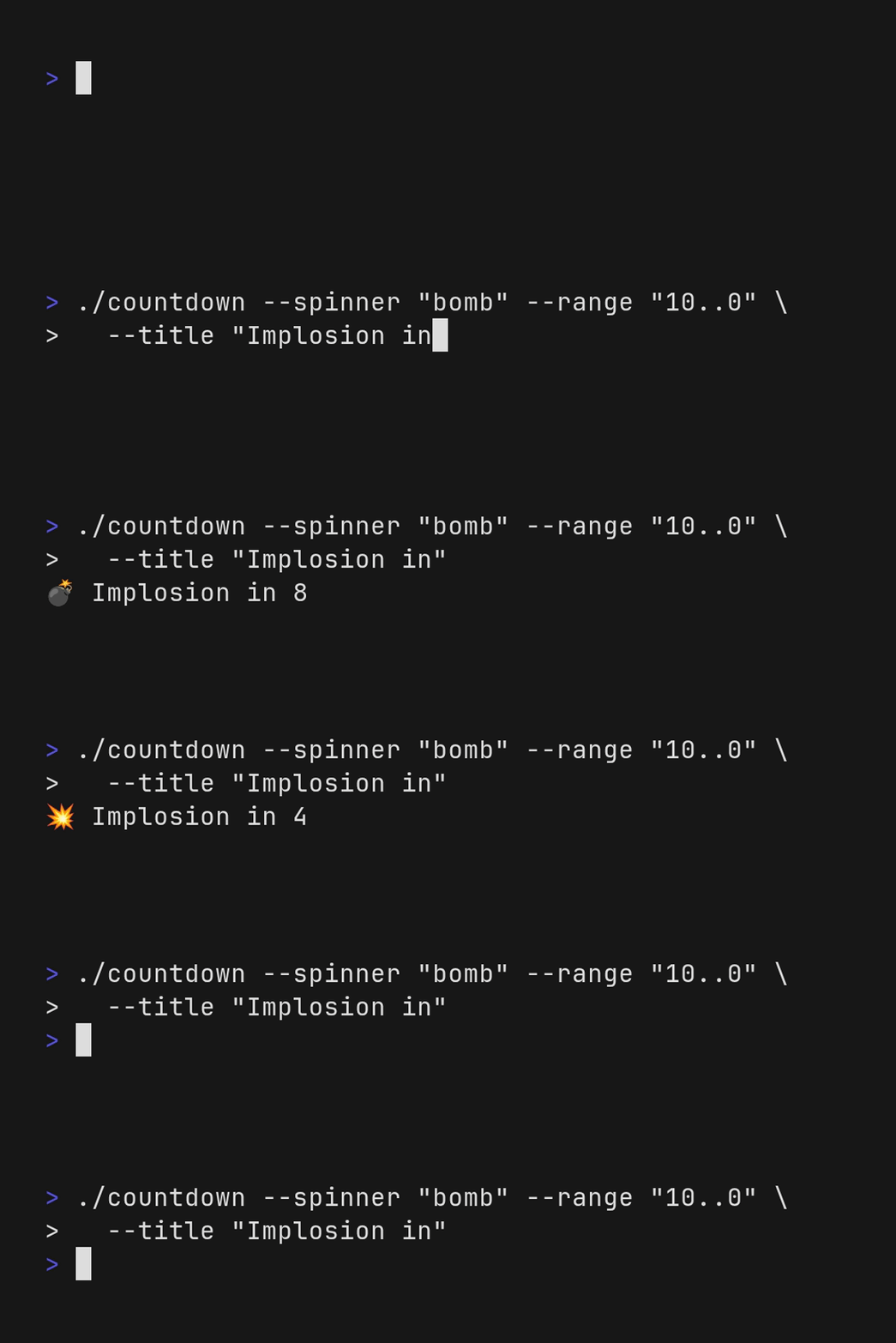
bomb |
Bomb and explosion 💣💥 |
none |
No spinner |
All flags can be set via environment variables:
| Variable | Flag |
|---|---|
COUNTDOWN_SPINNER |
--spinner |
COUNTDOWN_TITLE |
--title |
COUNTDOWN_SPINNER_FOREGROUND |
--spinner.foreground |
COUNTDOWN_SPINNER_BACKGROUND |
--spinner.background |
COUNTDOWN_TITLE_FOREGROUND |
--title.foreground |
COUNTDOWN_TITLE_BACKGROUND |
--title.background |
COUNTDOWN_PADDING |
--padding |
When the countdown reaches the final phase threshold, colors are inverted to create visual emphasis. Set with -f or --final-phase:
- Absolute number:
-f 5(triggers at 5, the default) - Percentage:
-f 10%(triggers at 10% of total range)
q,Esc, orCtrl+Cto quit early
Built with Bubbletea from Charm.
make build        # Build binary
make test         # Run tests
make format       # Format code
make lint         # Run linter
make install-deps # Install dev dependencies
make snapshot     # Build snapshot release locally
make clean # Remove build artifactsReleases are automated via GitHub Actions. To create a new release, first commit with jj and push the main branch to GitHub.
jj bookmark move main --to @-
jj git push
Then release with gh.
gh release create v1.2.3 --title "v1.2.3" --notes "this is a public release"Or use the short version, with interactive prompts.
gh release create v4.5.6The workflow builds binaries for all platforms and creates a GitHub release.
Optionally fetch changes with jj to see the new tag on main.
docker run --rm -v ($env.PWD):/vhs ghcr.io/charmbracelet/vhs vhs/basic.tapeMIT