Make the camera more realistic in the first-person view.
Supported versions: 1.18.2-1.20.4 Forge, 1.18.2-1.21.4 Fabric, 1.21-1.21.4 NeoForge.
Download the mod from Releases, Modrinth or CurseForge
Snapshots are here
- Bind the camera to a specific part of the body.
- Customize the position and rotation of the camera.
- Render player model in first-person perspective.
- Use F6 to toggle the feature on or off and other hotkeys to adjust the camera.
- Configure these features in the Config Screen (Cloth Config required) and the Model View Screen (0.6+).
- Theoretically, most mod models are supported, but need to be configured manually:
- First, set the key binding for
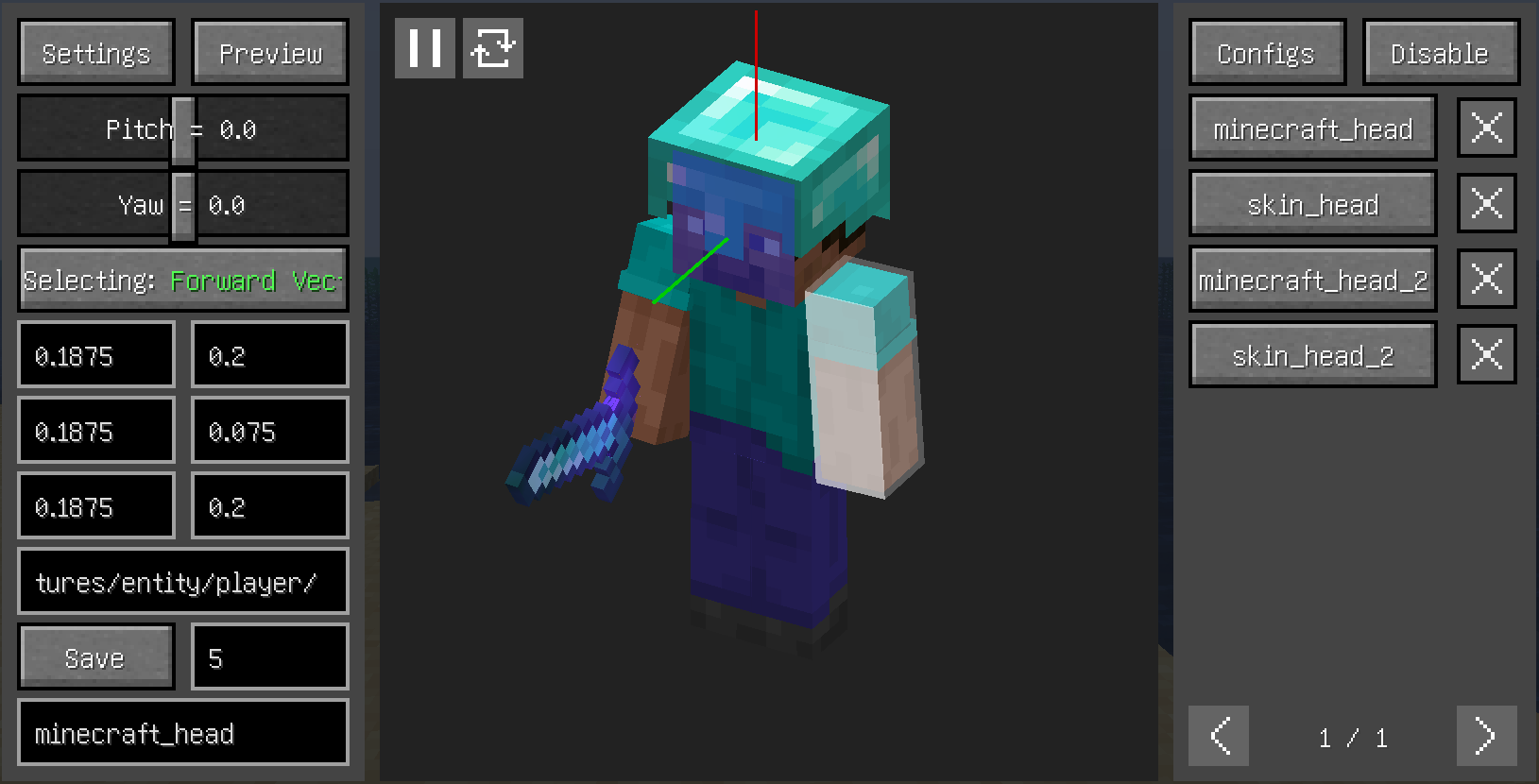
Open Model View Screen. - Open the model view screen and left click with left Alt held to select the corresponding face of the model, scroll with left Alt held to switch between the different layers of the model.
- By clicking the
Selectingbutton on the left, switch between the three to select theForward Vector,Upward Vector, andTarget Plane. - Enter the
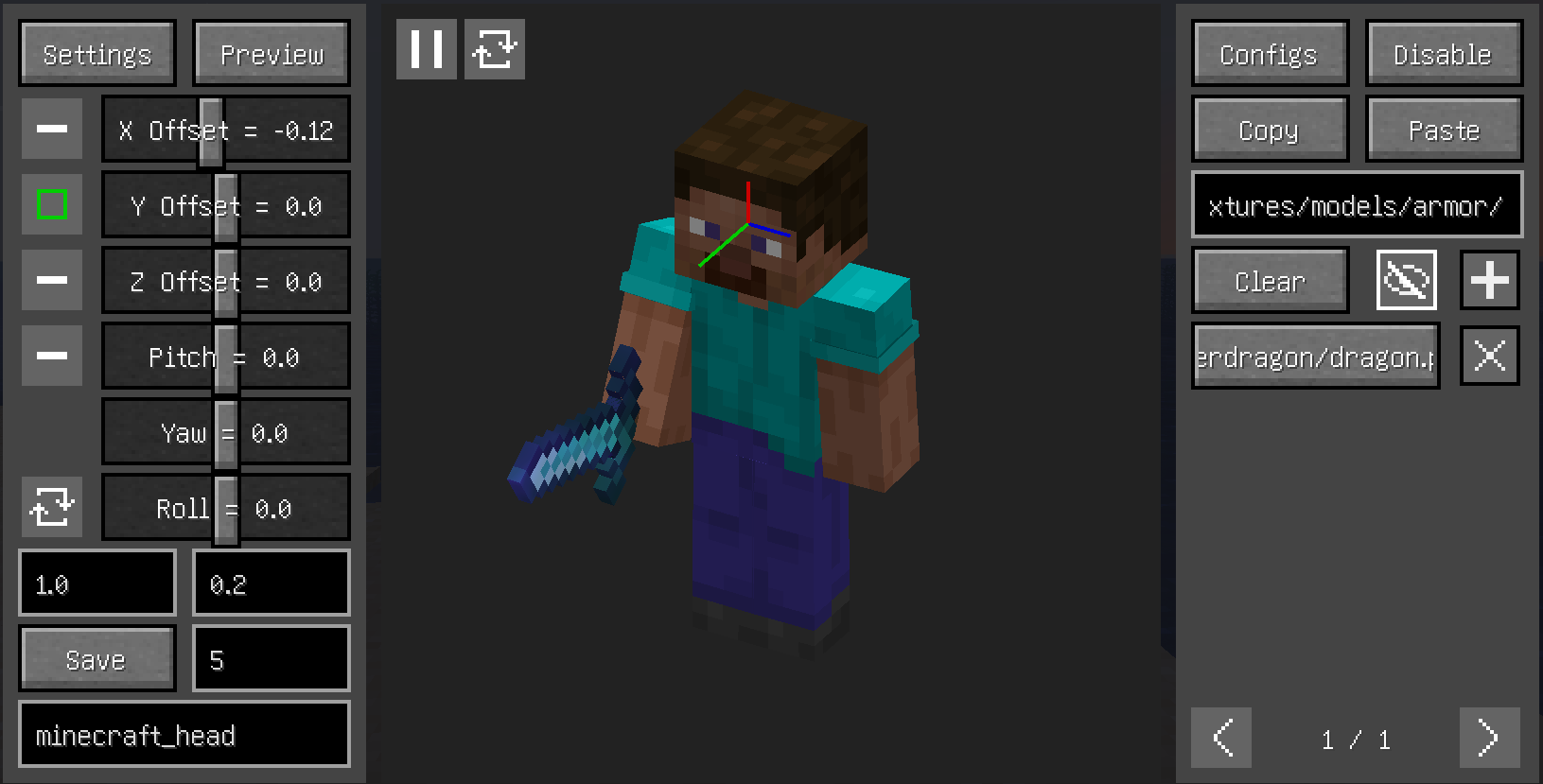
Previewsection, where you can see the relative relationship between the camera and the model and make certain adjustments (you can also adjust through key bindings). - Enter a name and save (if needed, other settings such as priority can be changed).
- Fabric:
- Both:
- (Optional but recommended) Cloth Config API
- A part of the model (e.g. hair) is always in the way, how to make it invisible?
- Increasing this value may help

- Increasing this value may help
-
Incompatible:
- OptiFine
- Armourer's Workshop (Mod version 0.6+)
- Armors based on GeckoLib
- Customizable Player Models
- Epic Fight (Mod version 0.6-)
- Timeless and Classics Zero,version 1.1.4+
-
Compatible:
- most camera mods
- most player model mods
- Armourer's Workshop (Mod version 0.6+)
- Epic Fight (Mod version 0.6+)
- First-person Model
- Not Enough Animations
- ParCool!
- Pehkui
- Player Animation Lib
- Timeless and Classics Zero,version 1.0.3-
- Yes Steve Model (Real Camera mod version 0.6.15 on github tried to fix problem about Yes Steve Model)
-
Model Mod Compatibility Requirements with
Real Camera(Based on Official Mappings): -
Render Timing Compatibility
Real CamerarendersMinecraft.getCameraEntitythrough the public methodEntityRenderDispatcher.render- The invocation timing has been moved to occur before the
Camera.setupphase within theGameRenderer.renderLevelworkflow - Therefore, mod implementations should ensure that the overall rendering behavior remains unaffected by this timing adjustment
-
Vertex Data Acquisition
Real Cameraobtains vertex data by overriding theMultiBufferSource multiBufferSourceparameter in theEntityRenderDispatcher.rendermethod- Therefore, mod implementations need to:
- Use only the provided
multiBufferSourceparameter when renderingMinecraft.getCameraEntity - Avoid alternative approaches for obtaining or creating
MultiBufferSourceinstances - Ensure all vertex data ultimately passes through
VertexConsumerobjects acquired viaMultiBufferSource.getBuffer
- Use only the provided