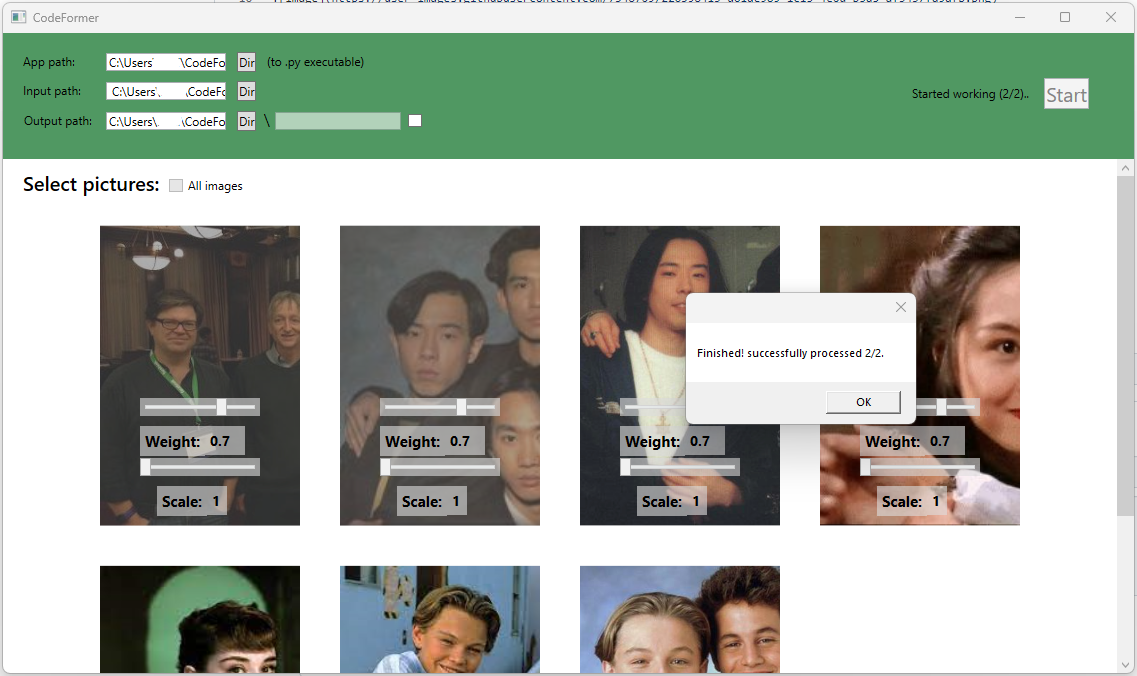
front-end app for CodeFormer (AI Face Restoration) https://github.com/sczhou/CodeFormer runs only on windows
Note: Envairoment name must be 'codeformer' as in the installation guide in the git above
# create new anaconda env
conda create -n codeformer python=3.8 -y
conda activate codeformer
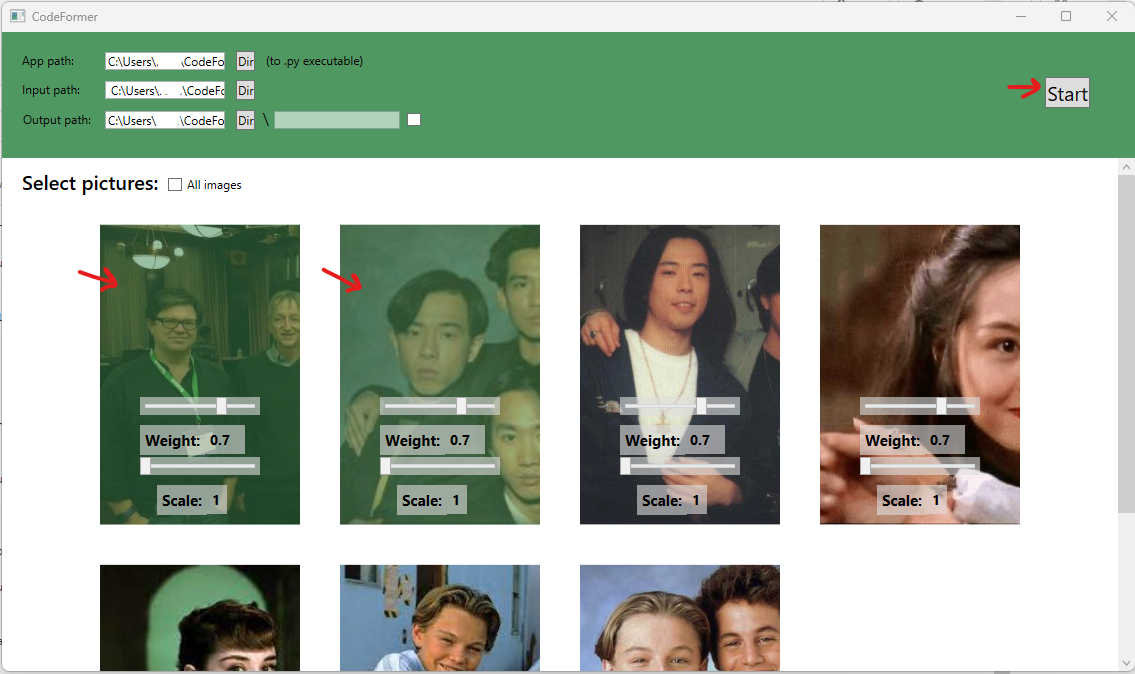
First of all click on the first dir to select the python app execute file.

Next go to your CodeFormer folder and select the "inference_codeformer.py" execulte file.

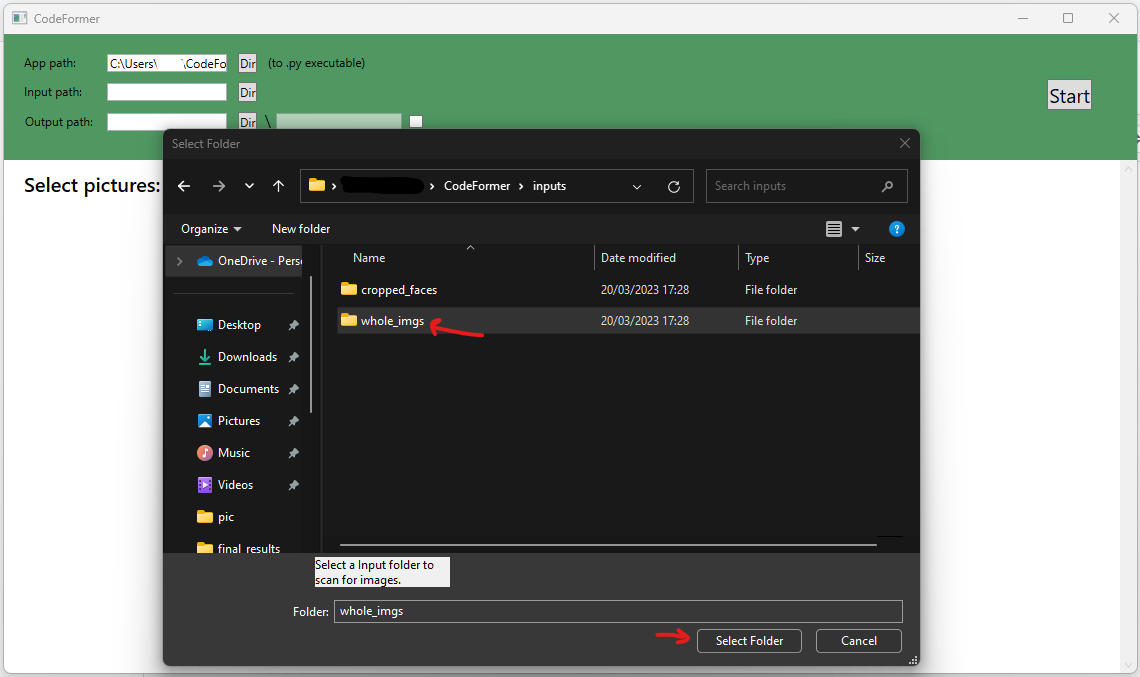
Next select folder with pictures ( can select any, in my example its the images folder from the CodeFormer ).
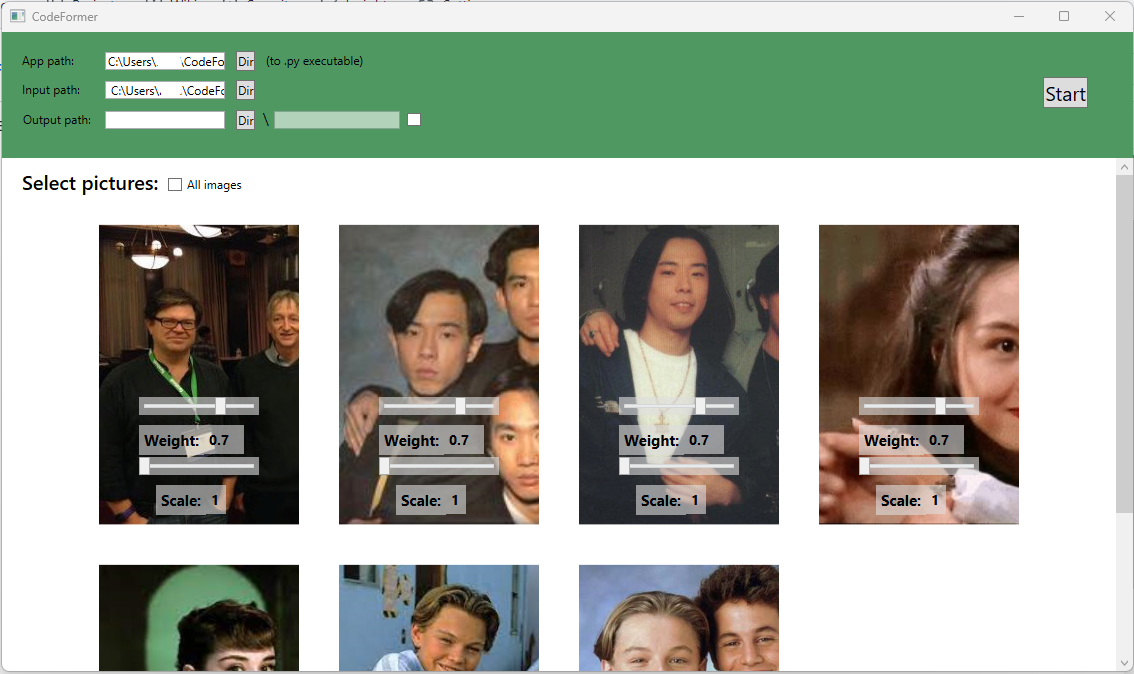
Pictures will be loaded.
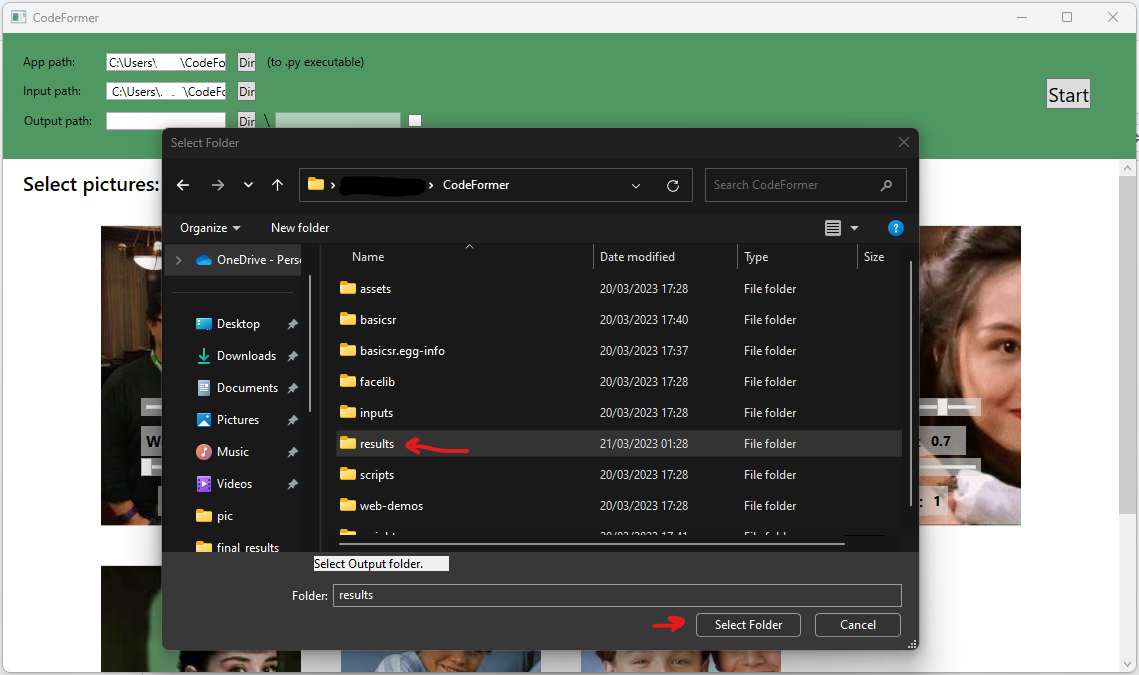
Next select folder for the output pictures ( can be any, in my example its the results folder in the CodeFormer )
Now click on some images to select tham and click on Start, the first 2 images selected in the example. ( Note: you can modify weight and upscale parameters for each image )
Process started wait some time depending on the number of images you selected.
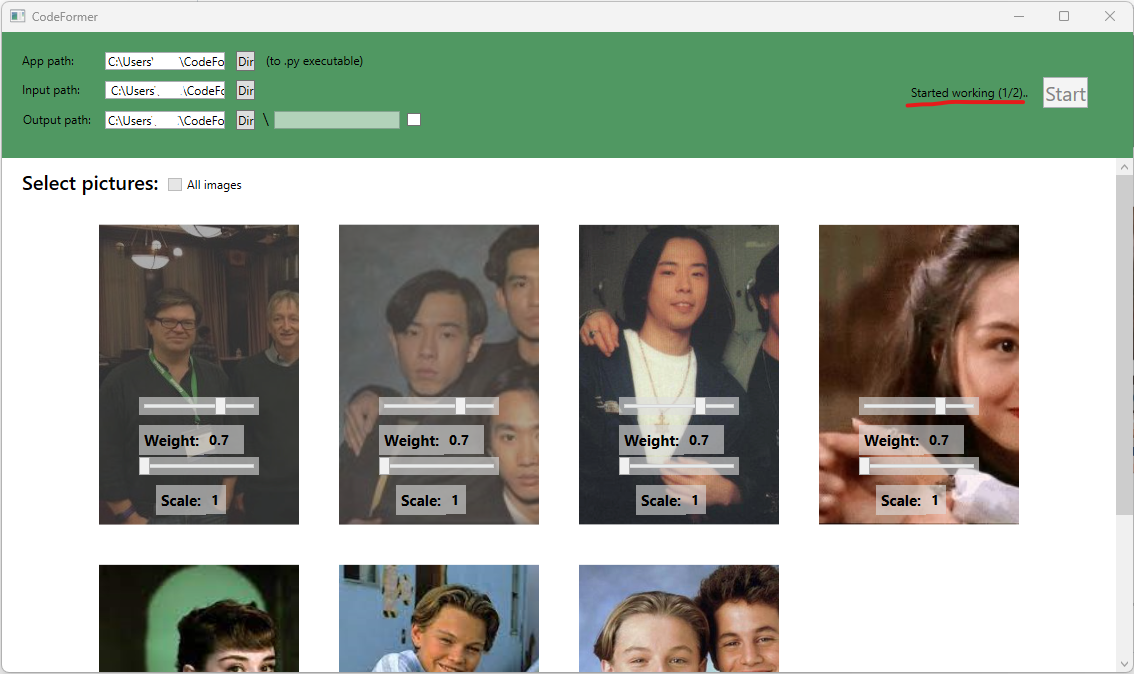
Process finished, check for the results in your output folder.